Welcome to PySiDoCast’s documentation!
PySiDoCast is a Python library to make 3D games with pygame.
Warning
PySiDoCast is still in development. The API may change in the future.
Contents
Pygame 6DoF Ray Caster
PySiDoCast is a Python module that allows you to render 3D scenes using Pygame images. > Warning > There is no GPU support for the moment: The rendering is made on the CPU only.
Installation
To install PySiDoCast, simply use pip:
pip install pysidocast
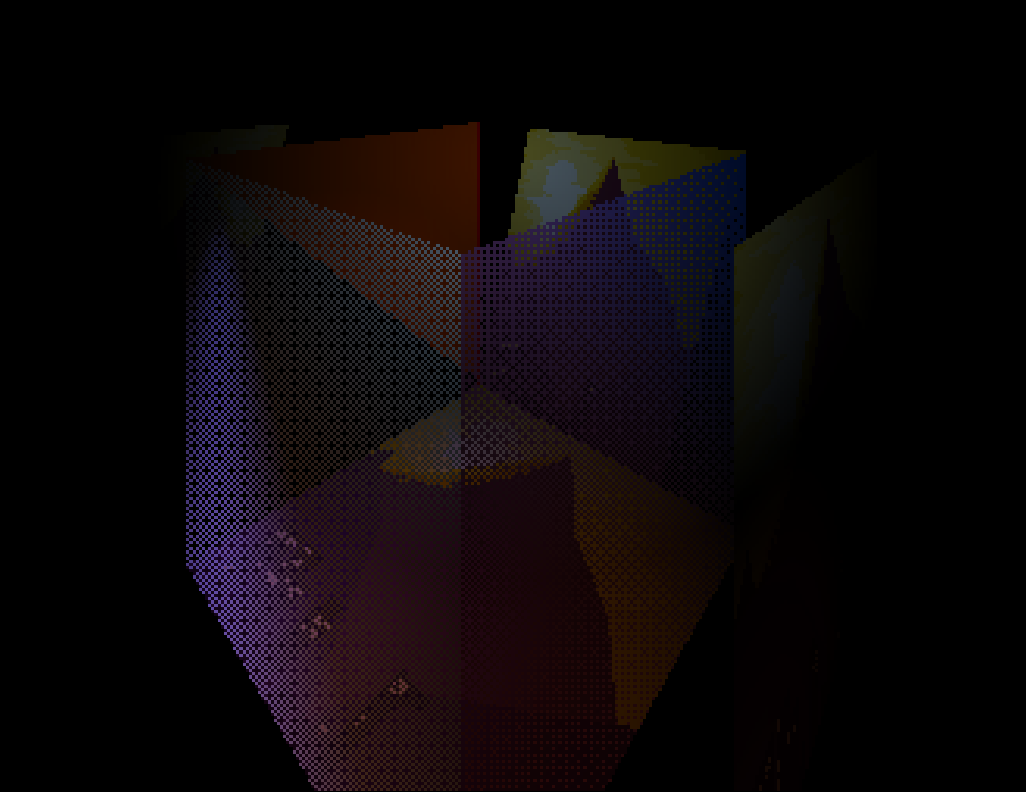
Screenshot of example
Usage
Here is a basic example of how to use PySiDoCast to render a 3D scene:
import pygame
from pysidocast import Scene

# Initialize Pygame
pygame.init()
screen = pygame.display.set_mode((480, 480))

# Load an image using pygame
image = pygame.image.load(".\\img.png").convert_alpha()  # using ".convert_alpha()" is MANDATORY

# Create a new Scene
scene = Scene()

# Add the image into the scene
scene.add_wall(image, (-1, 2, 3), (1, 0, 1))

# Main Loop
while True:

    # Render the scene
    scene.render(screen, (0, 1, 0), 0, 90, fov=60)

    # Update the screen
    pygame.display.update()

    for event in pygame.event.get():
        if event.type == pygame.QUIT:
            exit()
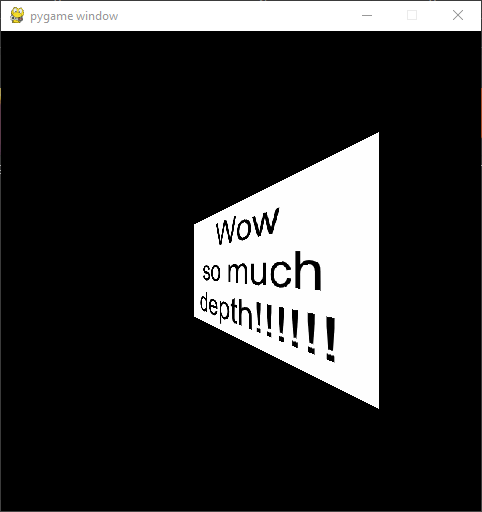
Example
Features
Create 3D objects with basic shapes
Multiples Scenes support
Render to Pygame Surface
Simple Camera movement
Customizable lighting
Transparency using Dithering
Contribution
Any contributions, bug reports, bug fixes, documentation improvements, enhancements and ideas are welcome.
License
PySiDoCast is licensed under the MIT license.